
How to Compress a PDF Without Losing Quality (Step-by-Step)
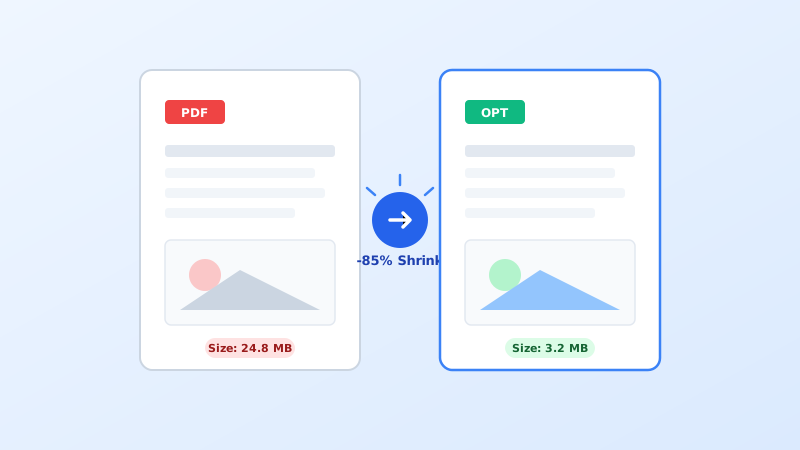
Learn how to significantly shrink heavy PDF file sizes while preserving crisp vector text, high-res images, and formatting across free online tools, Windows, and macOS.
<!-- Approved AdSense Code Placement -->
A roundup of verified free desktop software and browser utilities to edit text, combine documents, and redact data.
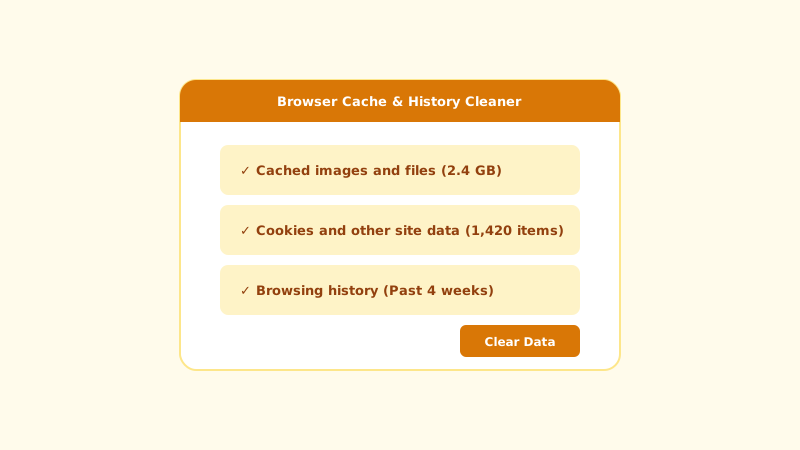
Quickly resolve webpage formatting glitches, login loops, and stale cache issues across Chrome, Firefox, Safari, and Edge.
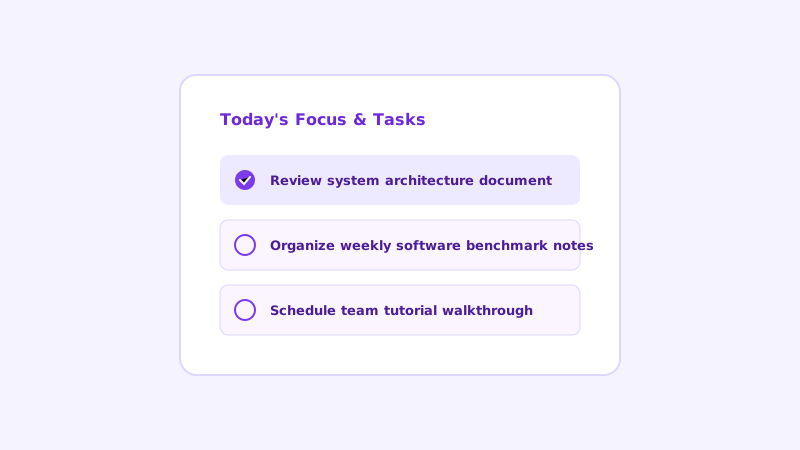
Streamline your daily agenda, markdown note-taking, and project tracking with these proven free tools across platforms.
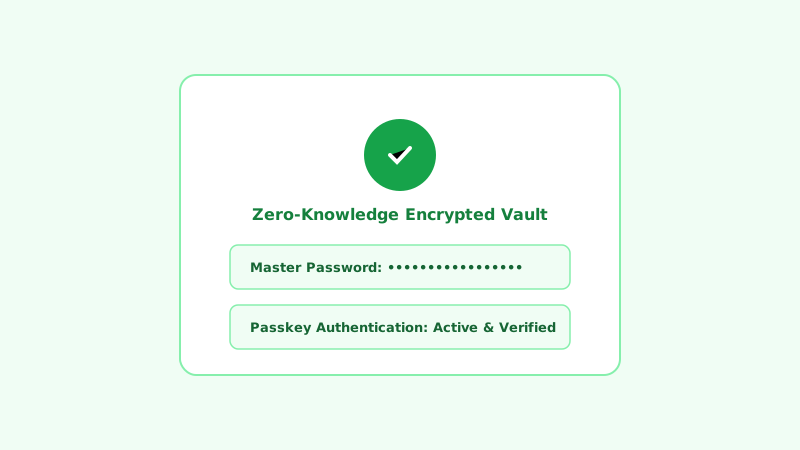
Protect your online credentials with encrypted, cross-platform password managers featuring zero-knowledge architecture.
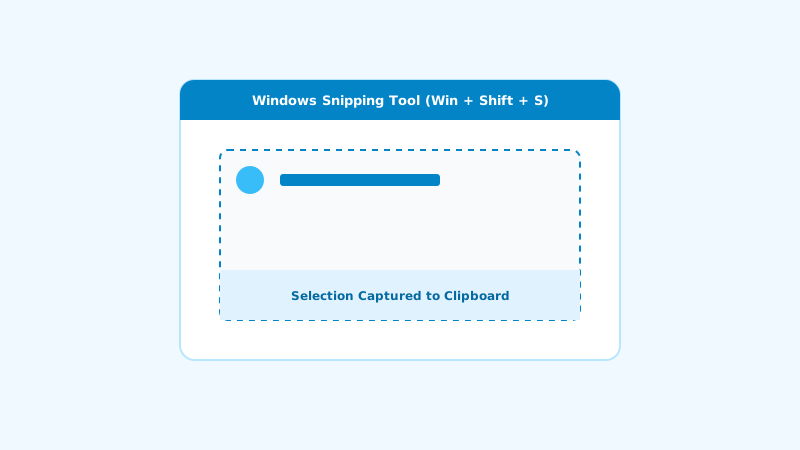
Master every Windows screenshot method including Snipping Tool, Win+Shift+S, Game Bar, and scrolling screenshots.
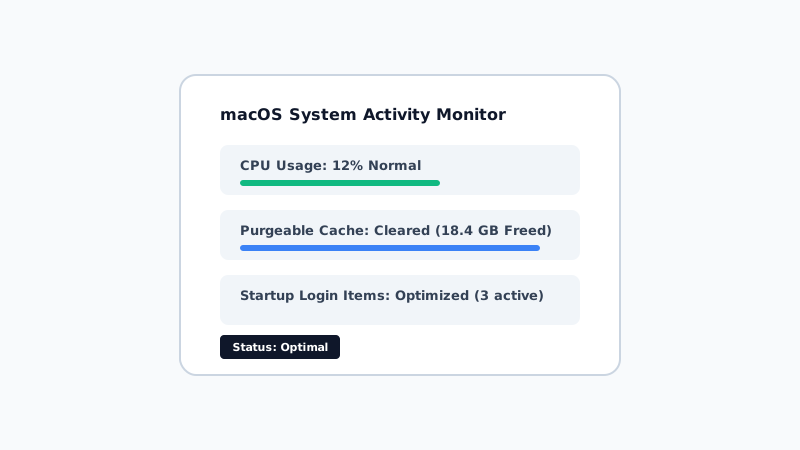
Diagnose high CPU usage, clear system purgeable storage, disable startup resource hogs, and speed up older MacBooks.
<!-- Approved AdSense Responsive Banner Unit -->
Practical guides to generative AI, assistants, prompt workflows, and writing tools.
Desktop software reviews, installation walkthroughs, and essential utilities.
Task managers, note-taking apps, calendar mastery, and time management workflows.
Online PDF utilities, format converters, image tools, and browser micro-apps.
Windows 11 and 10 software tips, registry tweaks, settings, and shortcuts.
macOS software tutorials, Terminal workflows, and system speed optimization.
Android app recommendations, screen recording, and system customization.
iOS guides, Apple Shortcuts automations, and privacy management.
Clear solutions and step-by-step fixes for software errors and browser bugs.
Password vault comparisons, passkey setup, and safe digital hygiene.
Head-to-head software battles, free vs paid matrices, and tool alternatives.
Every software guide is hands-on tested by our editorial team on actual Windows, macOS, Android, and Linux environments.
We prioritize free and open-source tools first, clearly disclose software limitations, and never accept paid reviews.
Tutorials are re-verified whenever operating systems and web applications release major software updates.